In today's fast-paced printing industry, knowing how to optimize digital printing workflow is crucial for success. Efficient workflows lead to higher productivity and better quality output. With the increasing demand for quick turnaround times, printer operators face significant challenges.
Many organizations struggle with outdated processes and technology. This can result in delays and increased costs. Understanding which areas to improve can make a significant impact. Streamlining operations is not just about speed; it's about quality and reliability too.
This guide will explore ten essential tips that can transform your digital printing workflow. It emphasizes practical strategies that you can implement right away. Each tip combines expert insights with real-world experiences. Let's dive into actionable steps that will enhance your operations today.
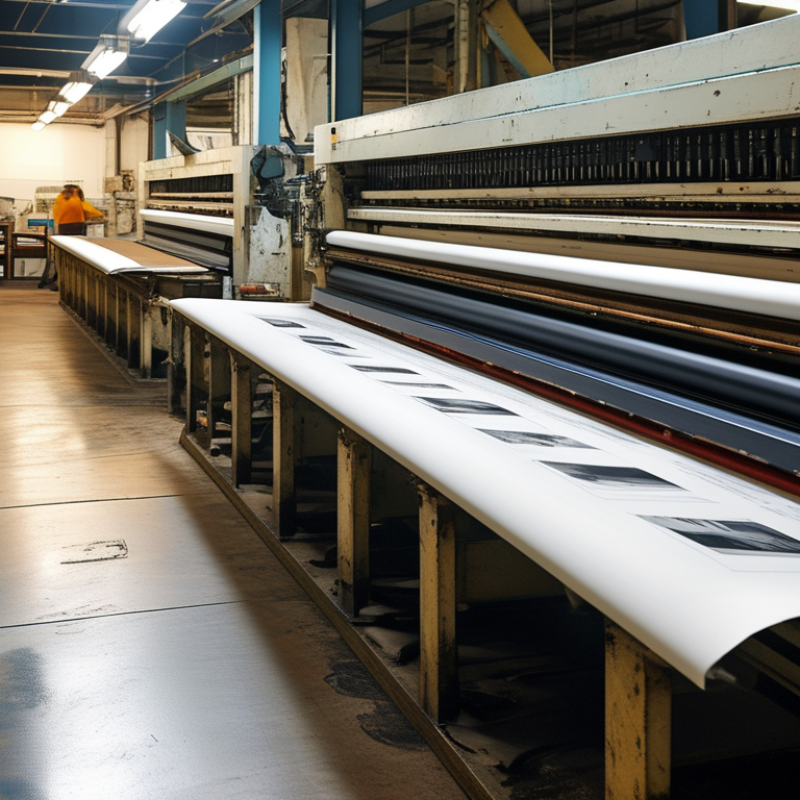
Assessing your current digital printing workflow is essential for efficiency. Start by mapping out each step in your process. Clearly define tasks from file preparation to final output. Identify bottlenecks that cause delays. Often, operators spend too much time troubleshooting. This can lead to frustration and decreased productivity.
Review the tools you are using. Are they the latest technology on the market? Outdated equipment can slow down production. Investing in updated machinery may seem costly, but it often pays off in the long run. Training staff on new systems can also enhance efficiency. A team that is comfortable with their tools works better.
Consider feedback from your operators. They are the ones who handle the day-to-day tasks. Their insights can reveal hidden issues in the workflow. Regularly check and analyze performance metrics. This helps in pinpointing areas for improvement. Remember, refining your workflow is an ongoing process. Embrace the imperfections, learn from them, and keep evolving.
| Tip Number | Tip Description | Expected Outcome | Implementation Difficulty |
|---|---|---|---|
| 1 | Evaluate current workflow processes | Identify bottlenecks and inefficiencies | Medium |
| 2 | Invest in quality software | Enhance job management and tracking | High |
| 3 | Standardize printing processes | Reduce errors and improve speed | Medium |
| 4 | Train your staff regularly | Increase proficiency and morale | Low |
| 5 | Utilize color management tools | Ensure consistent print quality | High |
| 6 | Implement a pre-flight check system | Catch issues before printing | Medium |
| 7 | Optimize file formats | Reduce file sizes and improve processing | Low |
| 8 | Monitor equipment performance | Prevent downtime and maintenance issues | High |
| 9 | Create a feedback loop with clients | Improve service quality and satisfaction | Medium |
| 10 | Regularly review and adjust procedures | Maintain optimal operational efficiency | Medium |
: It helps identify inefficiencies and improve overall productivity. Mapping out each step clarifies tasks and reveals bottlenecks.
Regular reviews are essential. Outdated equipment can slow production, impacting results and efficiency.
Operator insights can uncover hidden issues. Their daily experience is invaluable for identifying areas needing improvement.
Maintenance extends printer life and ensures consistent results. Neglect can lead to unnecessary downtime.
Training builds confidence and efficiency. Knowledgeable staff make quicker decisions, which reduces downtime.
Inefficient file formats can slow processing. Optimizing files before printing minimizes errors and saves time.
Embracing imperfections fosters a culture of continuous improvement. Mistakes can lead to better outcomes through learning.
Every team member learns differently. Tailoring methods to individual needs is often necessary for effective training.
Analyzing downtime can highlight small delays. Addressing them helps enhance overall productivity and efficiency.
Redundant steps create bottlenecks. Streamlining processes is crucial for timely job completion and efficiency.
To optimize your digital printing workflow, it's crucial to begin with a thorough assessment of your current processes. This involves identifying key inefficiencies that can be improved, such as bottlenecks in production or wasted resources. Once these areas are recognized, consider implementing automation tools that can streamline operations, reduce manual errors, and increase overall efficiency.
Additionally, utilizing color management techniques is essential for achieving consistent results across different printing jobs. Training your staff on best practices not only enhances productivity but also empowers them to utilize the tools and techniques effectively. By focusing on these strategies, you will learn how to optimize digital printing workflow and create a more efficient, productive environment that meets the evolving needs of your business.

 Vector Print